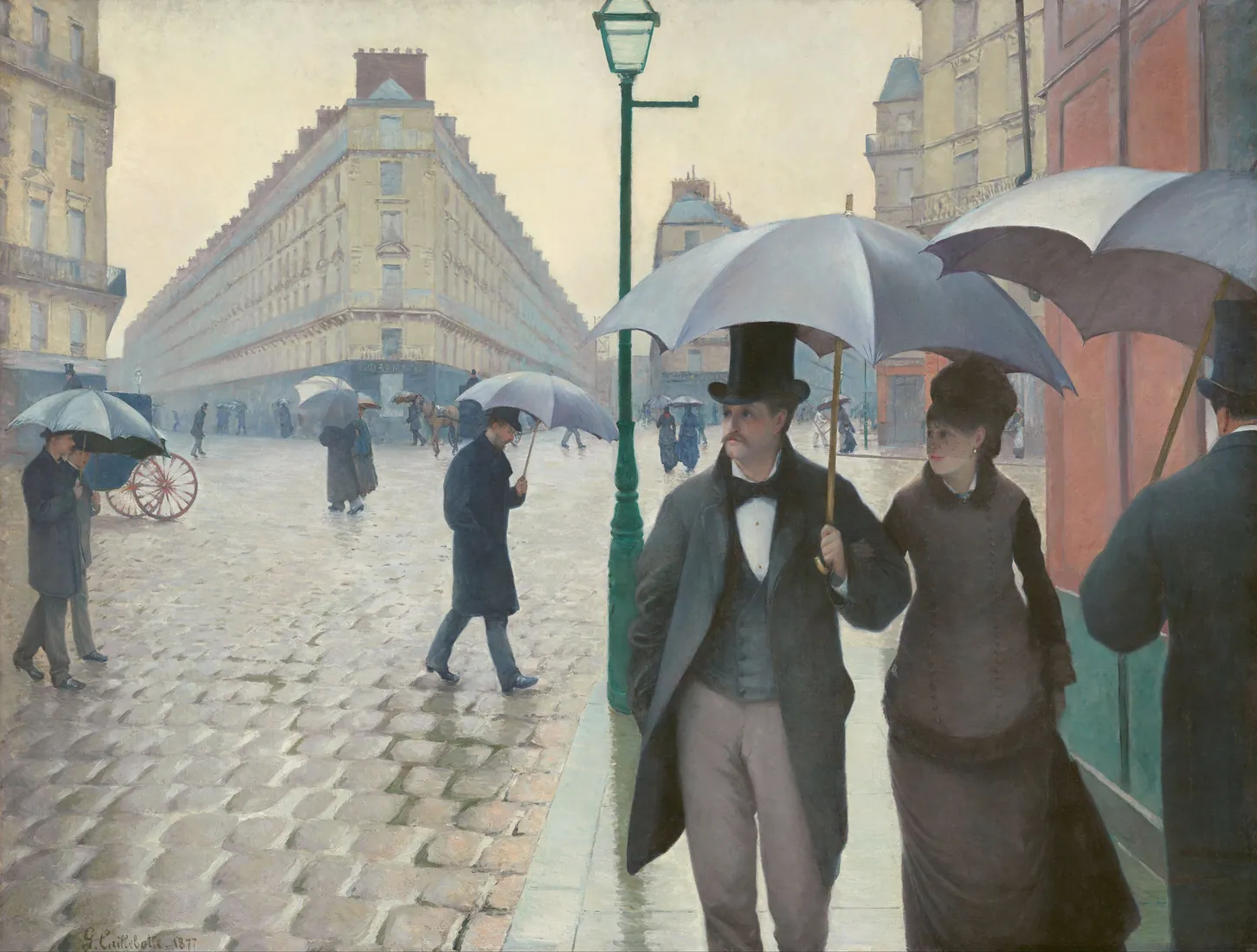
The moments worth keeping rarely happen at a desk. They happen walking home from dinner, in the car park after a long visit, on the train after a call you did not expect. By the time you sit down at a keyboard, the details have already started to soften. Ember on iPhone is for that gap: a quiet place to catch the moment while it is still warm.
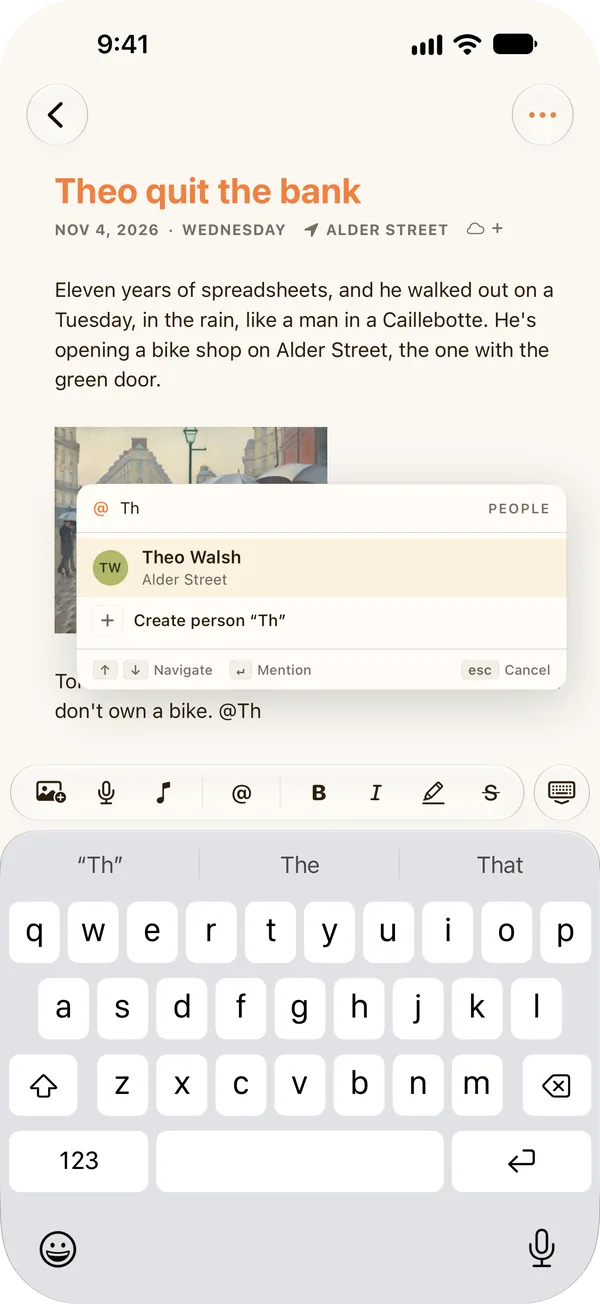
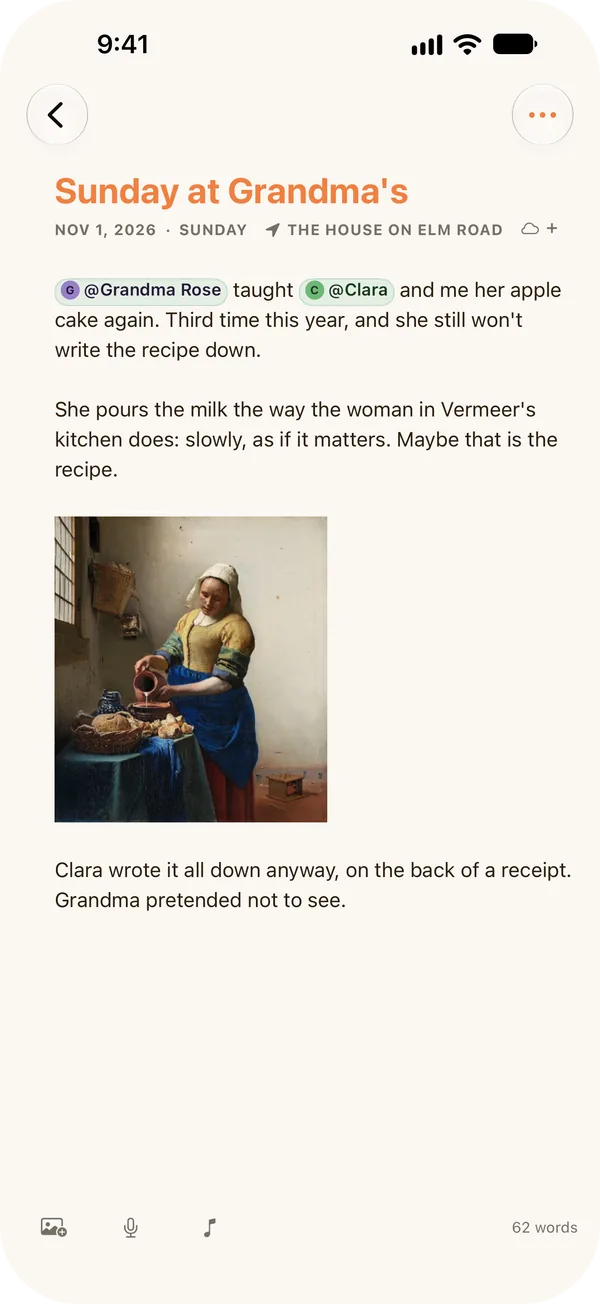
Thirty seconds, then back to your life
Open Ember, tap New, and write a line or two. Type @ and a name, and the moment is linked to that person forever. You do not need a title, a mood, or a prompt. Ember is not trying to keep you in the app; it is trying to make sure the moment is kept, so you can put the phone away and get back to the people you were with.
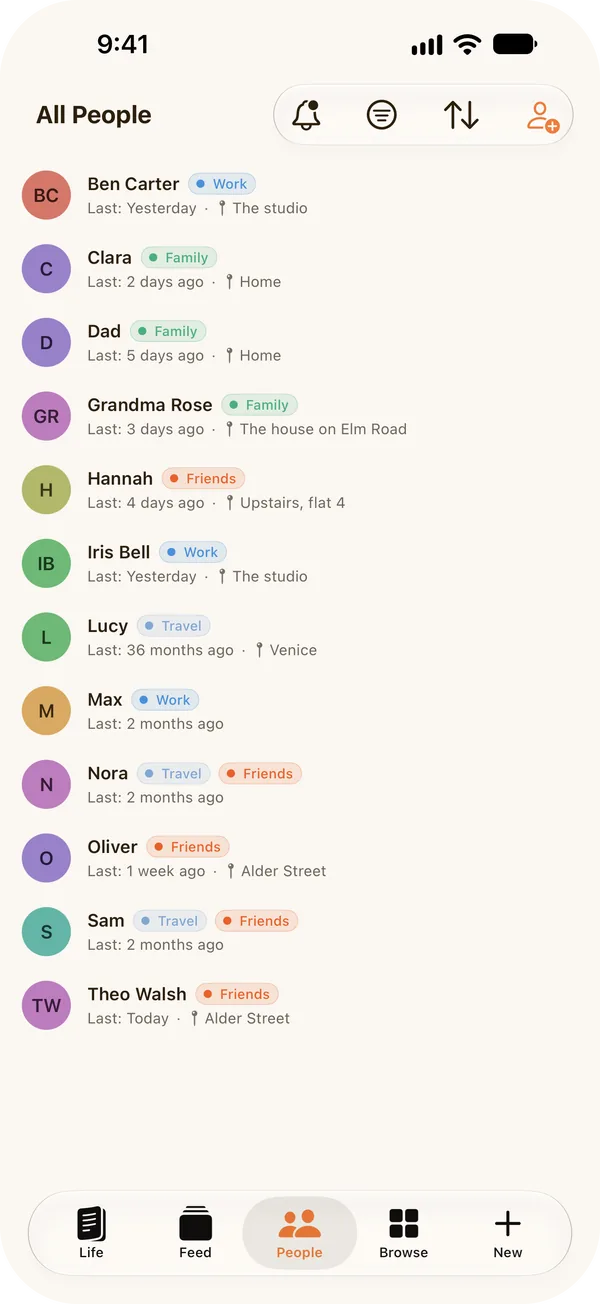
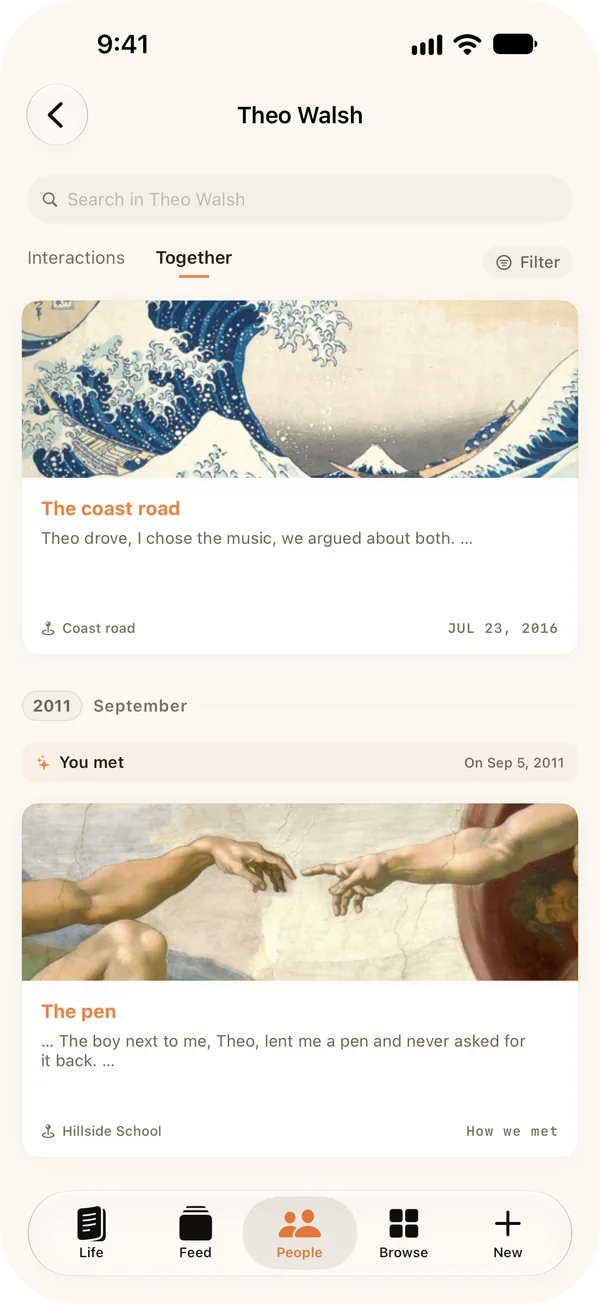
- People. Everyone you have written about, with the worlds they belong to and when you last wrote about them.
- Life. Your journal by day, with who was there, the tags, and the place. Your stories and the map are here too.
- Feed. What surfaced today: the friend you met a year ago, the story still unfolding this week.
- Browse. Your worlds and tags, one tap away.
Why there is no graph on iPhone
On the Mac and iPad, Ember draws your people as a living graph. On a phone screen, a map of forty people is a smudge you pinch at, so I left it out rather than ship something I would not use. On iPhone your people are a simple list instead, and the graph is waiting on your bigger screens.
The same archive, everywhere
Ember is one app across your Mac, iPhone and iPad, with every other feature on each. With Ember Plus, what you jot on your phone is on your Mac by the time you sit down to write properly, kept in step through your own iCloud, never through my servers. Without Plus, your iPhone journal works entirely on its own, offline, with no account.
Private by default
There is no sign-up, no email, and nothing to log into. Your entries live on your iPhone, and you can export all of them as open, documented JSON at any time. Lock the app with Face ID, and nothing you write is ever read by an AI or sent anywhere you did not choose. See how private Ember is, in detail.
Ready to start writing?
Ember is a private life archive for your Mac, iPhone and iPad. Local-first, no lock-in, no AI, no noise.
Download on the App Store