People & Their Pages
Every person you mention gets a page. It fills itself from what you write: the entries they're in, the stories you share, the calls and visits you logged. You can add a few details by hand, but you never have to.
The People list
Open All People from the sidebar or with ⌘1. Each row shows a person's worlds, when you were last in touch, where they live and the time where they are. Click a row to open their page beside the list.
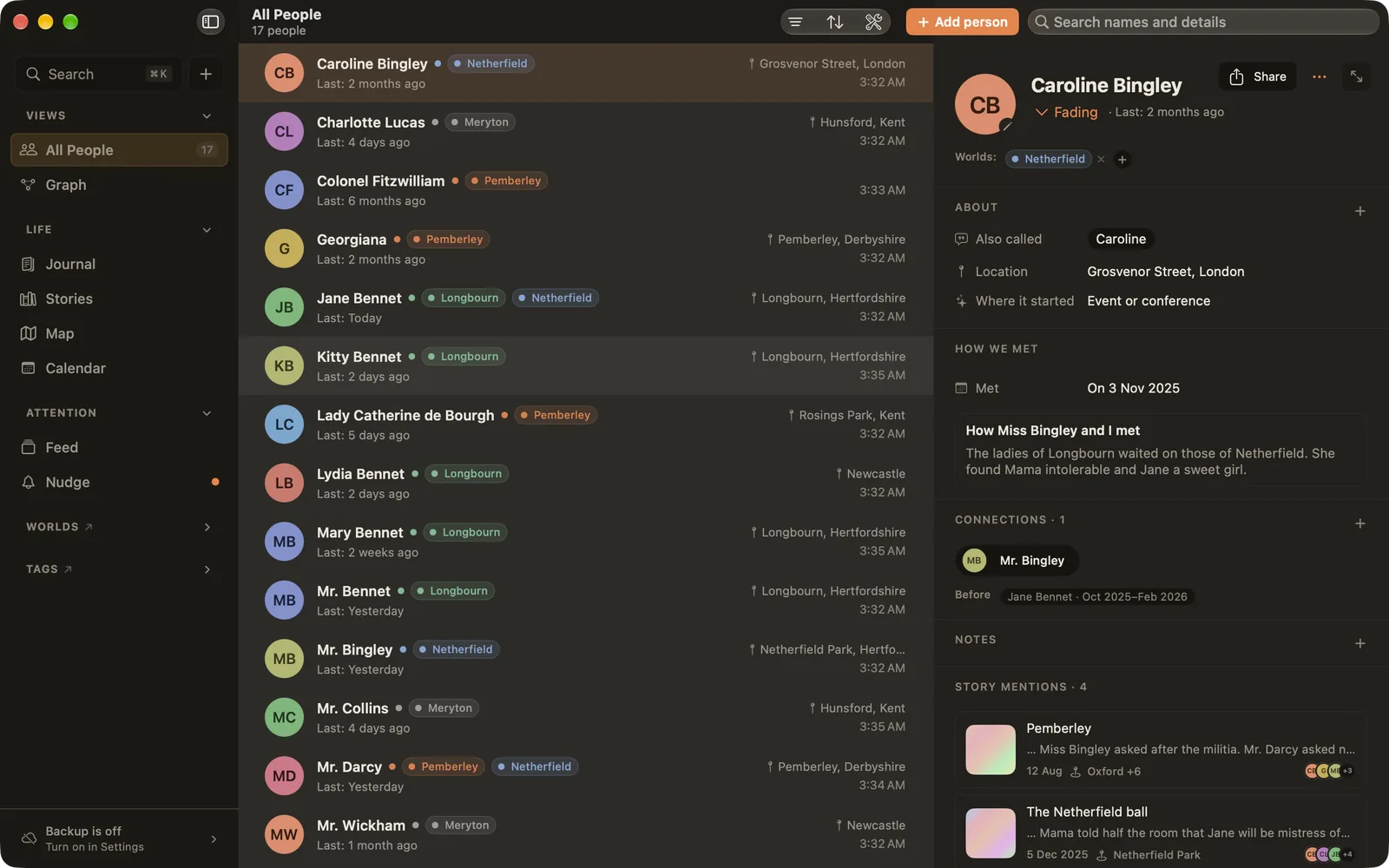
Along the top:
- Filter and Sort: narrow the list by world, intention or label (such as where it started), and sort by name, last contacted, recently added, recently updated or shared history.
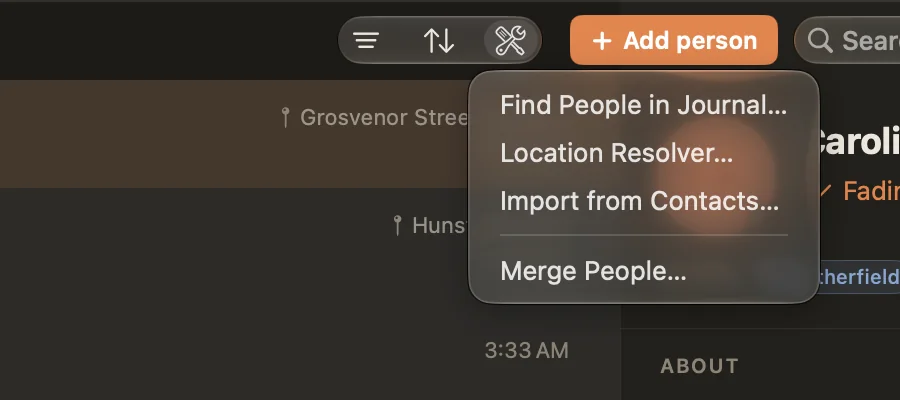
- Tools (the wrench): Find People in Journal, Location Resolver, Import from Contacts and Merge People.
- Add person (⌘⇧N) and a search box that looks through names and details.
A person's page
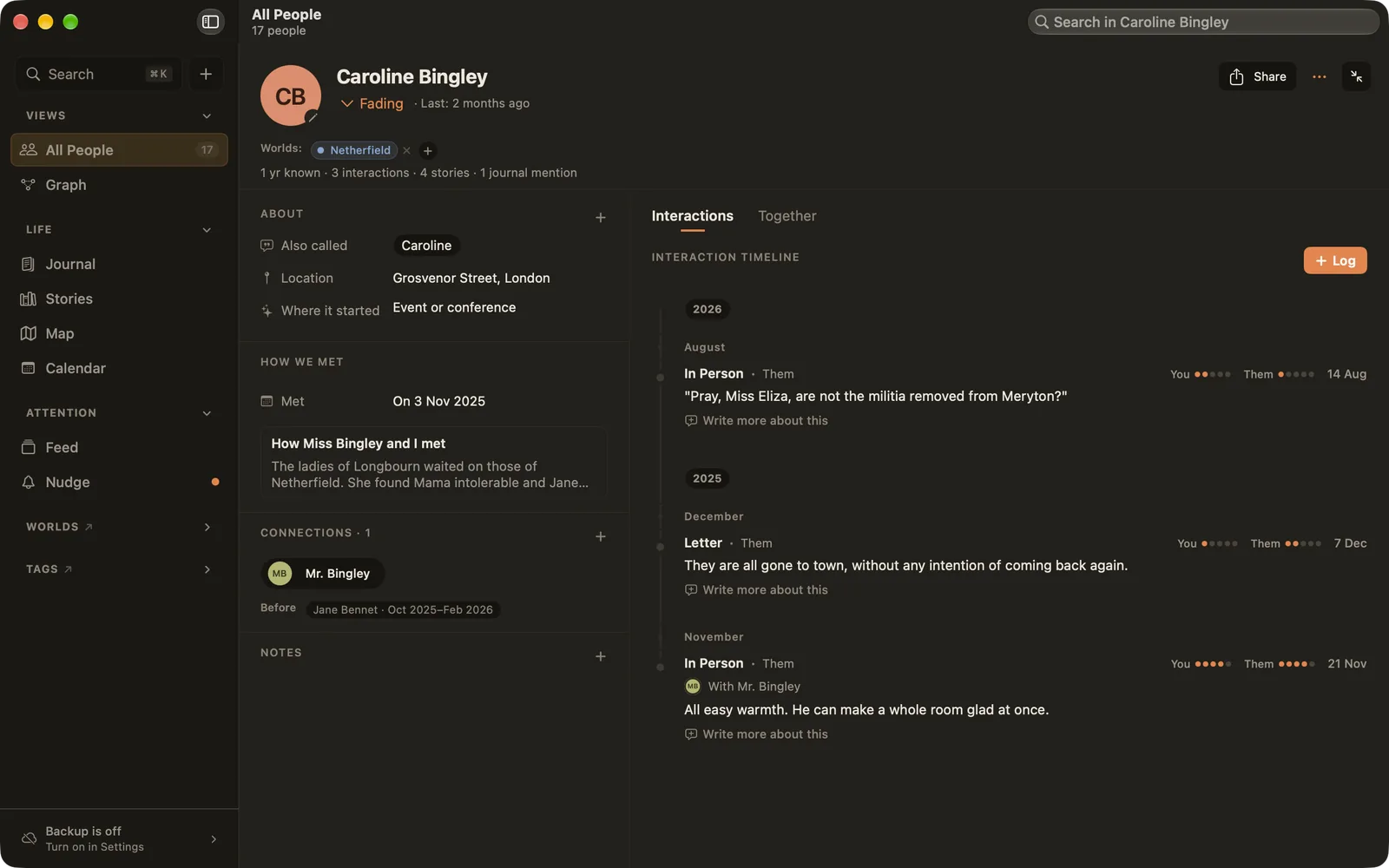
The top of the page shows their photo or initials, their name, their intention (or Fading) and when you were last in touch. Below that are their worlds and a short summary: how long you've known them, and how many interactions, stories and mentions you share.
Click the expand button in the top right to give the page the whole window.
About: nicknames and details
- Also called: the names you use for them in your writing, like "Mum", "Lizzy" or "Charles". Ember uses these to suggest them when you type
@, and to find them in Find People in Journal. - Location: where they live. It puts them on the Map and shows the time where they are.
- Where it started: how your connection began, such as Neighborhood, Out of the blue, or Friend of a friend. Edit the choices in Settings ▸ Catalogue.
- Your own fields: press + to add anything, like "Kids", "Allergies" or "Wedding". Make a field a date field and choose whether it comes round every year: yearly dates show in the Calendar.
How we met
Add the day you met (an exact date, or just "around" a month or a year) and write the story of it. The day you met comes round each year in the Calendar and the Feed. The story stays at the top of their page, and can be sent to them as a card.
How you met is never counted as recent contact: meeting someone years ago doesn't keep them fresh today.
Worlds
Click + next to Worlds to add someone to a world. Right-click a world to remove them, or to make it their primary world: the primary world comes first everywhere and gives them their colour. Ember remembers when someone joined and left each world, so the Graph's timeline can show it. Click a world to correct those dates.
Connections
Link people who know each other: siblings, a couple, two friends you introduced. Connections are drawn as lines on the Graph. Ember never connects people by itself.
When two people drift apart, right-click the connection and choose No longer connected. The link leaves the current graph but stays in its history. Delete is for links that were a mistake.
Notes
Notes are for the small things you notice and don't want to forget: a favourite book, a hard week, the name of their dog. Notes stay private. They're never put on a card or a PDF you share.
Interactions and Together
The right side of the page has two tabs:
- Interactions: every call, visit and message you logged, newest first. Log adds one.
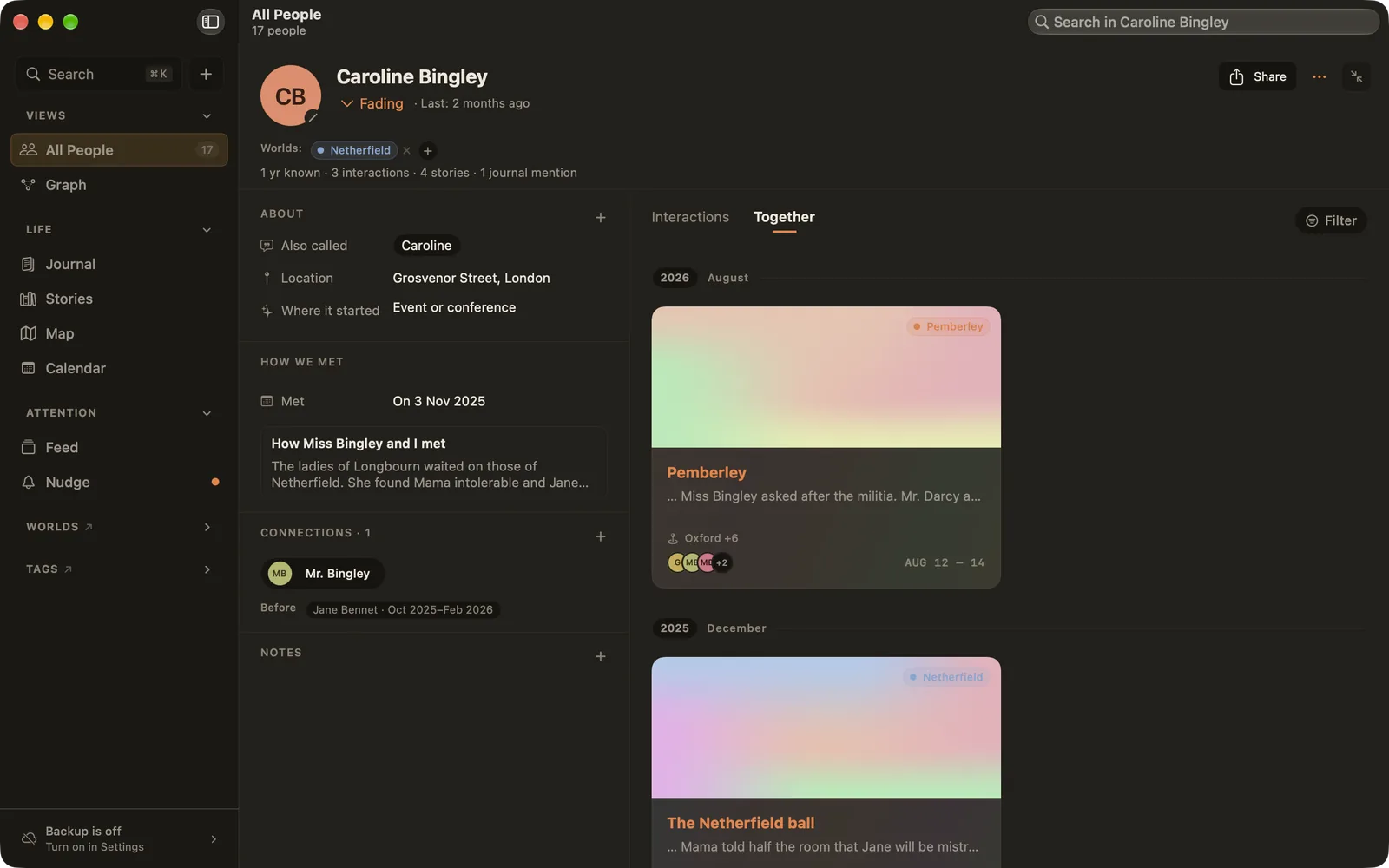
- Together: the stories and entries you share, by month. Use Filter to narrow them down.
Tidying up
- Merge People (Tools): fold a duplicate into the real person. Ember suggests possible duplicates. Interactions, stories, notes, connections and worlds all move over, and the duplicate is removed.
- Location Resolver (Tools): places you typed without a map position, on people, stories or entries, wait here so you can put them on the map later. "Grandma's" keeps its name; it just gains a pin.
- Remove… (in the ⋯ menu): moves someone to Removed, at the bottom of the Tools menu, where you can restore them. Deleting them for good removes their notes, how-we-met story, details and connections. Entries, stories and interactions stay, without the link to them.