Settings
Open Settings with ⌘, on the Mac, or from the Browse tab on iPhone. There aren't many settings, on purpose. Here's what each one does.
General
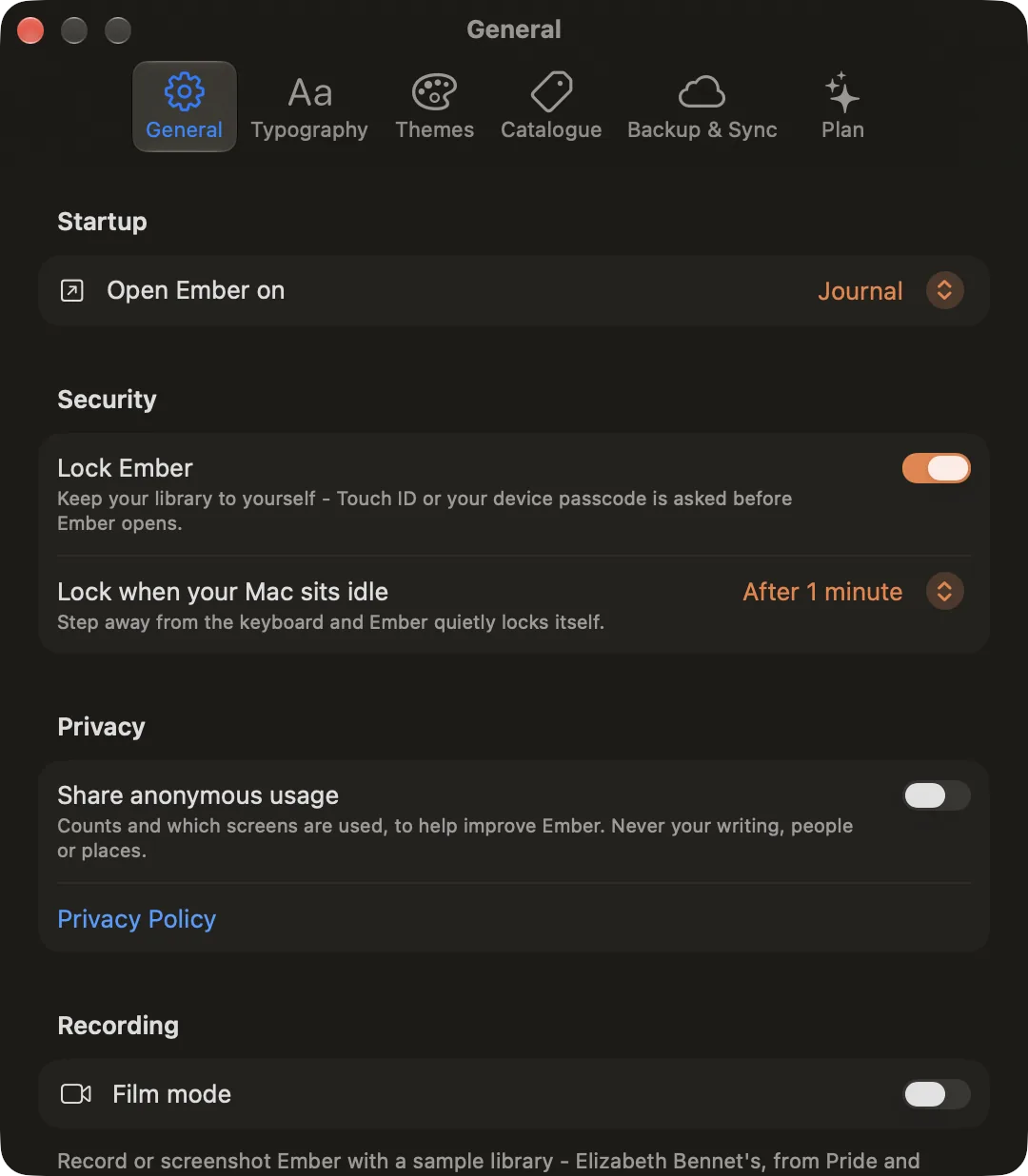
- Open Ember on: the page Ember opens on. The Journal, unless you choose another.
- Lock Ember: ask for Touch ID, Face ID or your password before Ember opens. See Privacy & App Lock.
- Lock when your Mac sits idle: lock Ember after a few minutes away from the keyboard.
- Share anonymous usage: counts and which screens are used, to help improve Ember. Never your writing, people or places.
- Film mode: show a sample library in place of yours, for recording or screenshots. See Film Mode.
Typography
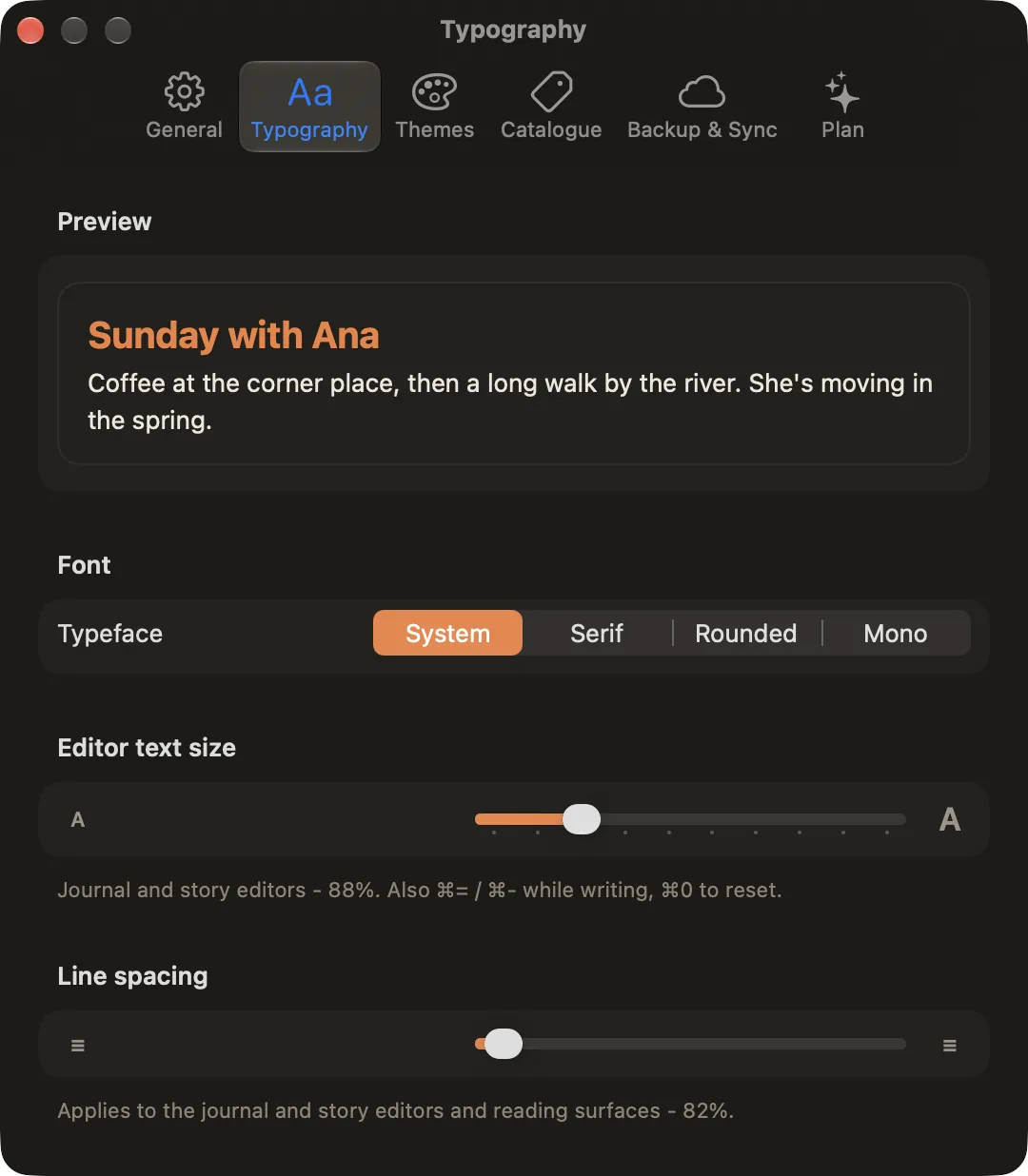
- Typeface: System, Serif, Rounded or Mono, for writing and reading.
- Editor text size: the size of the text in the journal and story editors. It's the same setting as ⌘= and ⌘− while you write, and ⌘0 resets it.
- Line spacing: the room between lines in the editors and when reading.
Themes
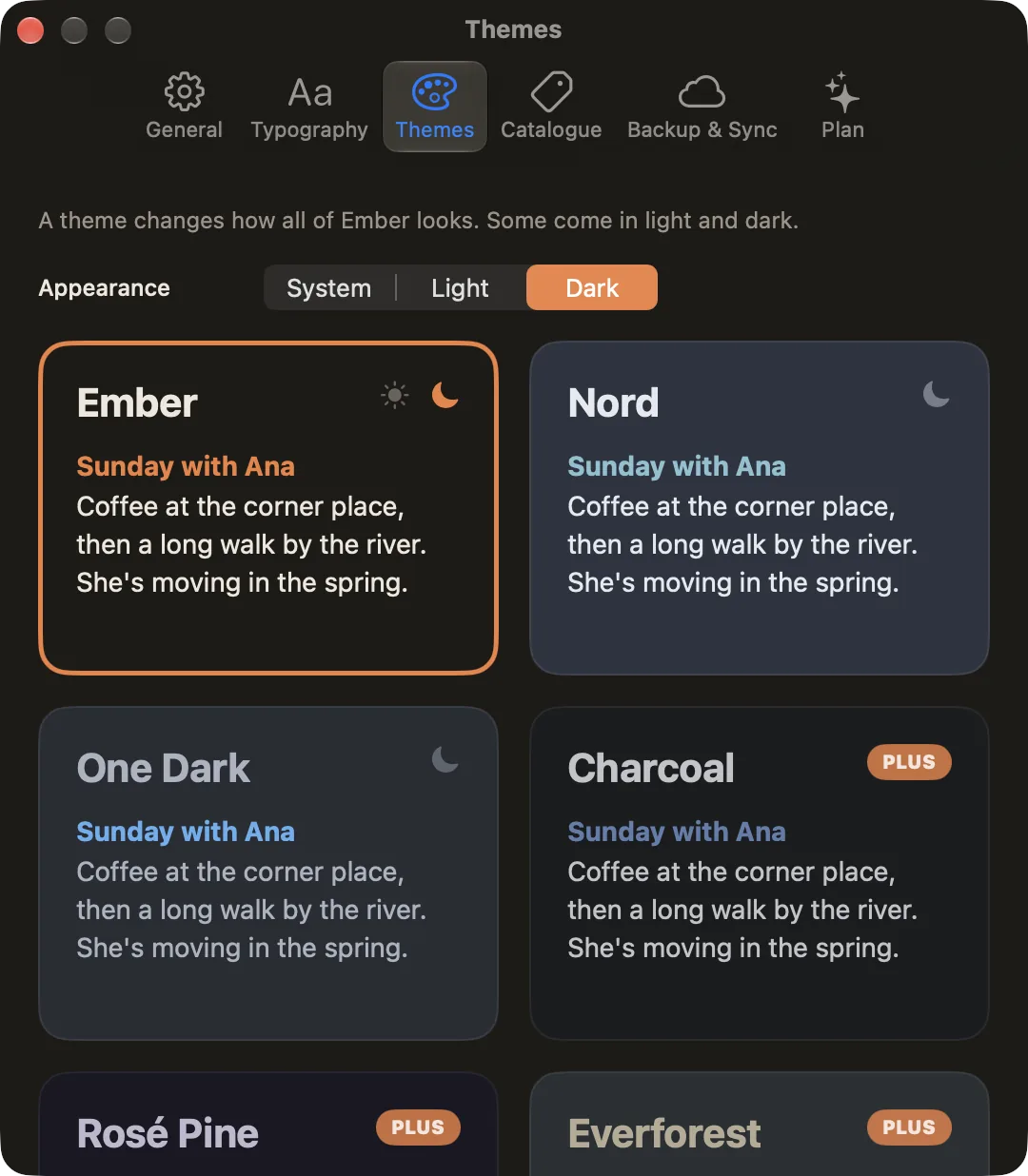
Choose System, Light or Dark, then a theme. Ember, Nord and One Dark come with every copy; the rest come with Ember Plus.
Catalogue
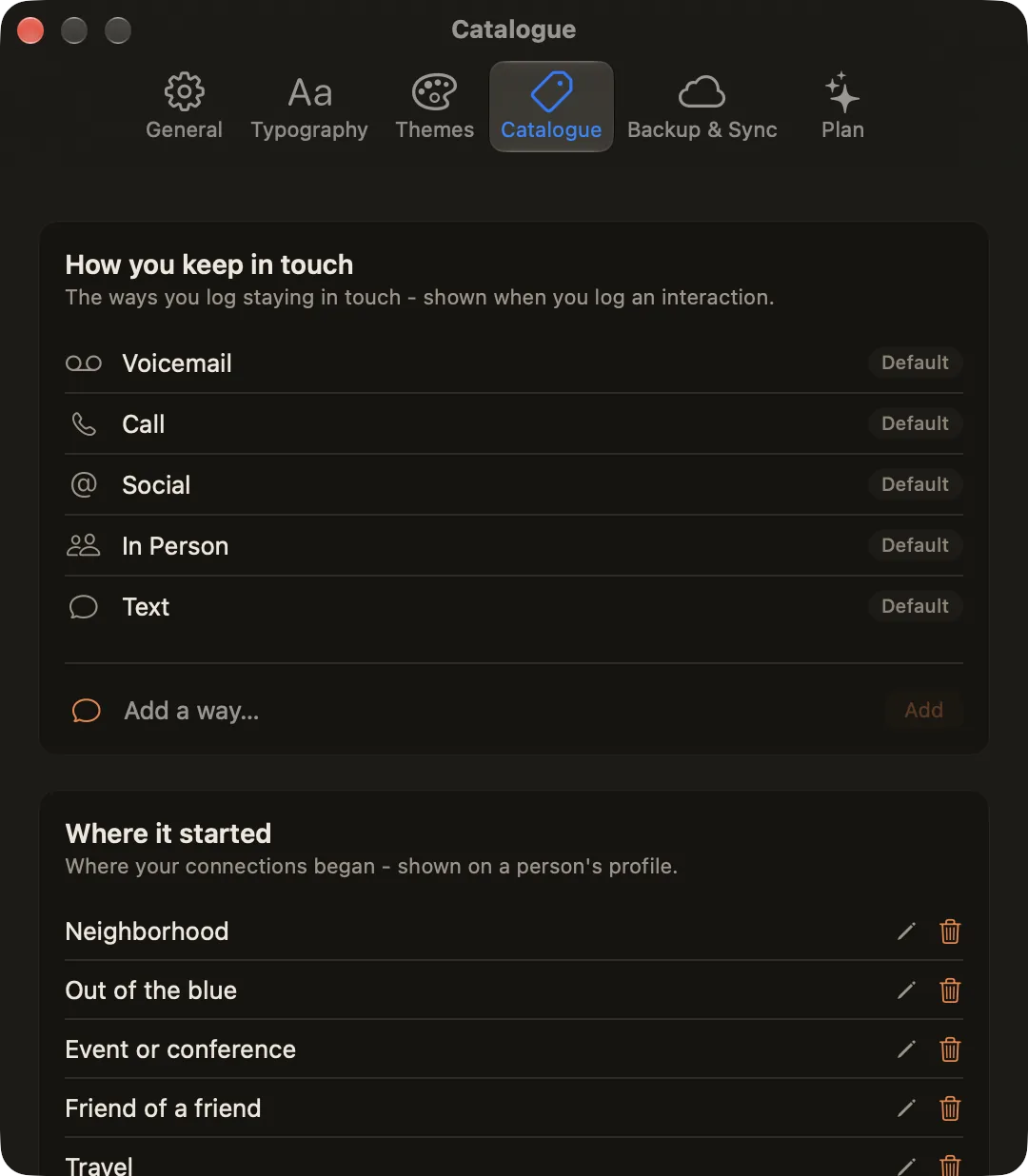
- How you keep in touch: the ways you can log an interaction. Add your own (a letter, a video call) with an icon.
- Where it started: the labels for how a connection began, shown on a person's page.
- Custom fields: the names offered when you add a detail to someone's page. Set each one's kind, text or date: date fields can appear in the Calendar.
Defaults can't be edited or deleted. Your own entries can be renamed or removed at any time.
Backup & Sync
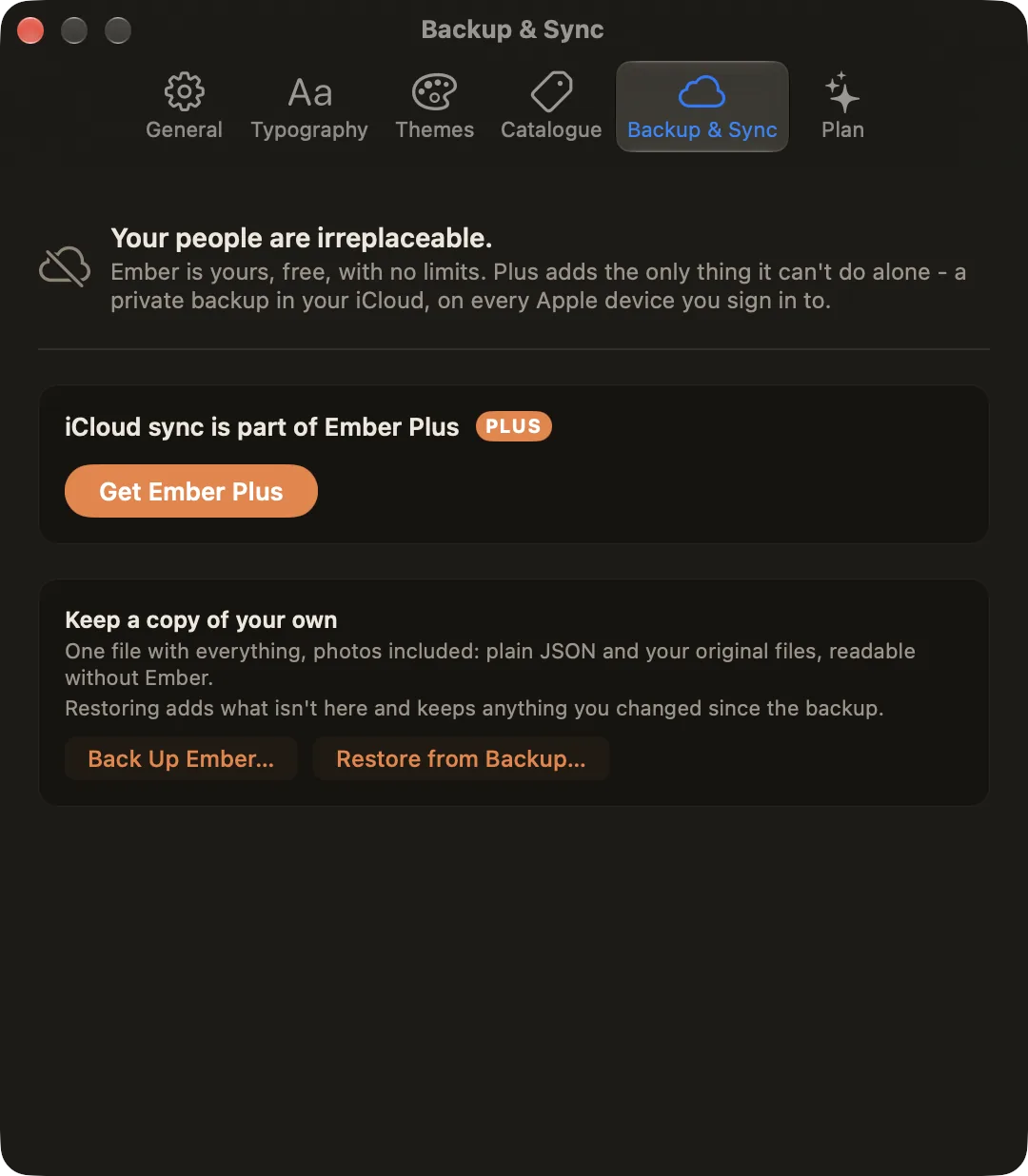
- iCloud sync (Ember Plus): keep your library in step on every Apple device you sign in to. See Sync & Backup.
- Back Up Ember…: save one file with everything, photos included. Free for everyone.
- Restore from Backup…: add what isn't here from a backup, and keep anything you changed since.
- Having trouble?: Export Logs… saves a log file to send to support (it records sync and error events, never your notes or people's names), and Re-upload Library resends everything if sync looks stuck. See Sync Troubleshooting.
Plan
Ember is free, with no limits on entries, people or features. Ember Plus adds private iCloud backup and sync, and the full theme catalogue, and keeps this one-person project going. Choose monthly or yearly (both with a free trial), or Lifetime. Restore Purchases and Redeem Code are at the bottom. See Pricing.
On iPhone and iPad
Settings is one scrolling page with the same options, plus Support links: Contact Support, Bugs & Feedback, Report a Translation Issue, and the privacy policy and terms.