Keyboard Shortcuts
You can use almost all of Ember without leaving the keyboard. These shortcuts work on the Mac, and on iPad with a keyboard attached. In the app, press ⌘/ (or Help ▸ Keyboard Shortcuts) to see them all.
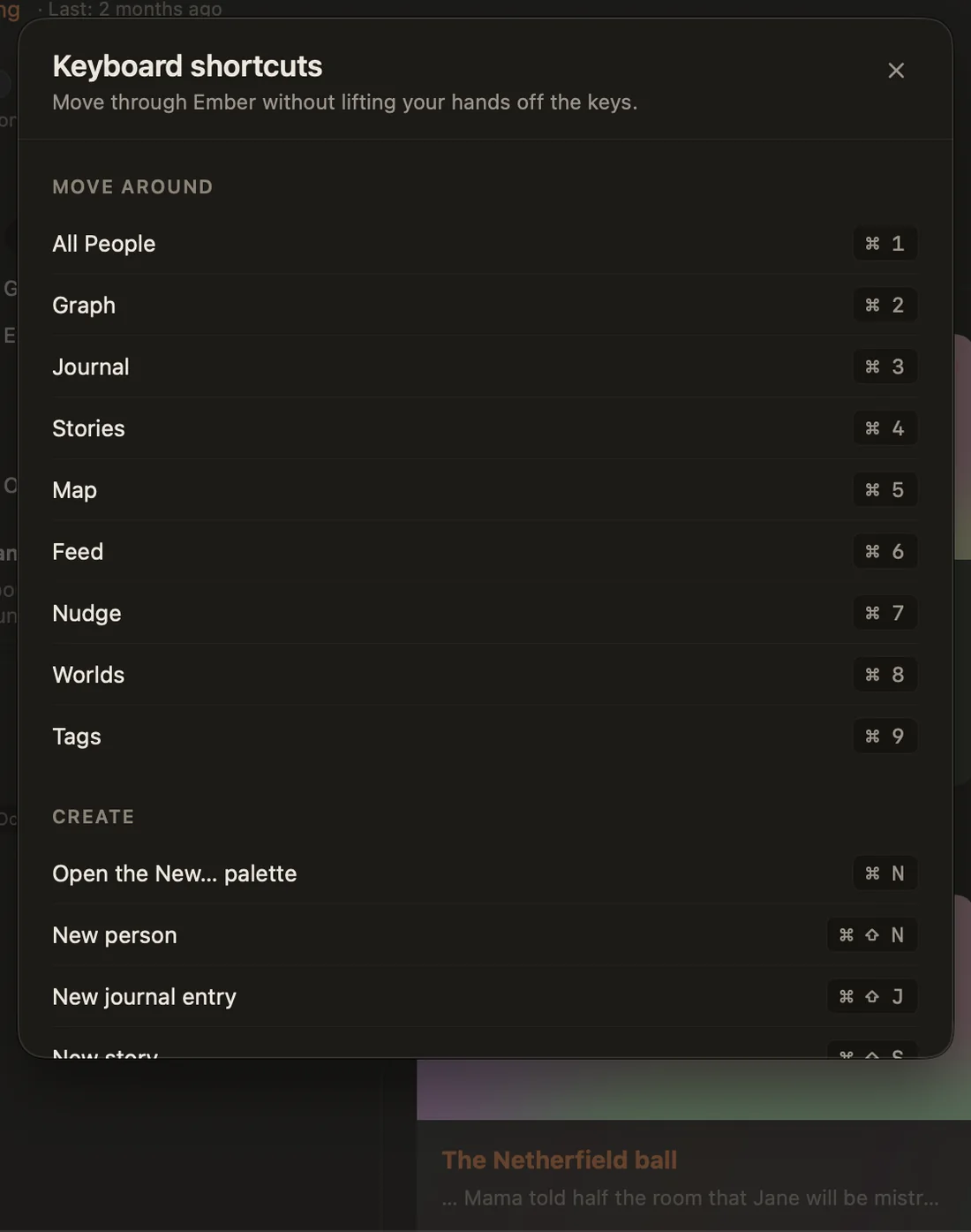
Move around
| Go to | Shortcut |
|---|---|
| All People | ⌘1 |
| Graph | ⌘2 |
| Journal | ⌘3 |
| Stories | ⌘4 |
| Map | ⌘5 |
| Feed | ⌘6 |
| Nudge | ⌘7 |
| Worlds | ⌘8 |
| Tags | ⌘9 |
The same list is in the Go menu. The Calendar has no shortcut; it's in the sidebar under Life.
Create
| Action | Shortcut |
|---|---|
| The New palette (create anything) | ⌘N |
| New person | ⌘⇧N |
| New journal entry | ⌘⇧J |
| New story | ⌘⇧S |
| Log an interaction | ⌘L |
| Save a sheet (like Log interaction) | ⌘↩ |
Find and focus
| Action | Shortcut |
|---|---|
| Search Ember | ⌘K |
| Focus mode on or off | ⌘⇧F |
| Bigger editor text | ⌘= |
| Smaller editor text | ⌘− |
| Reset editor text | ⌘0 |
In search, the palette and the mention list, use ↑ ↓ to move, ↩ to choose and esc to close.
Format text
| Format | Shortcut |
|---|---|
| Bold · Italic · Underline | ⌘B · ⌘I · ⌘U |
| Strikethrough · Highlight | ⌘⇧X · ⌘⇧H |
| Title · Heading · Subheading | ⌘⇧1 · ⌘⇧2 · ⌘⇧3 |
| Body text | ⌘⇧0 |
| Bullet list · Numbered list · Quote | ⌘⇧8 · ⌘⇧7 · ⌘⇧9 |
More in Formatting.
Other
| Action | Shortcut |
|---|---|
| Settings | ⌘, |
| Keyboard shortcuts | ⌘/ |
| Lock Ember | ⌘⌃L |
| Undo in Find People in Journal | ⌘Z |
| Quit | ⌘Q |
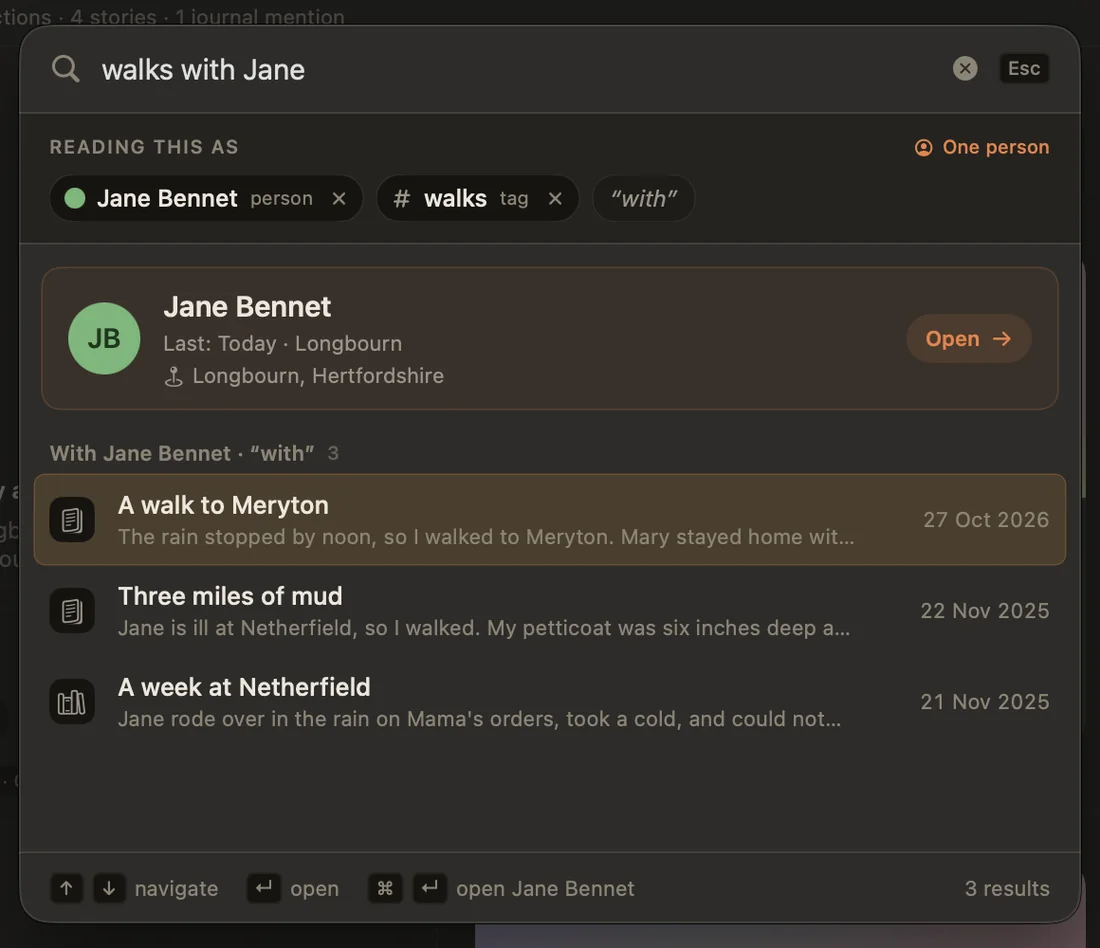
Search is a shortcut too
⌘K understands people, times and places, so it's often the quickest way anywhere: type a name and press Return to open their page, or walks with jane last summer to find exactly those entries. See Searching Your Archive.